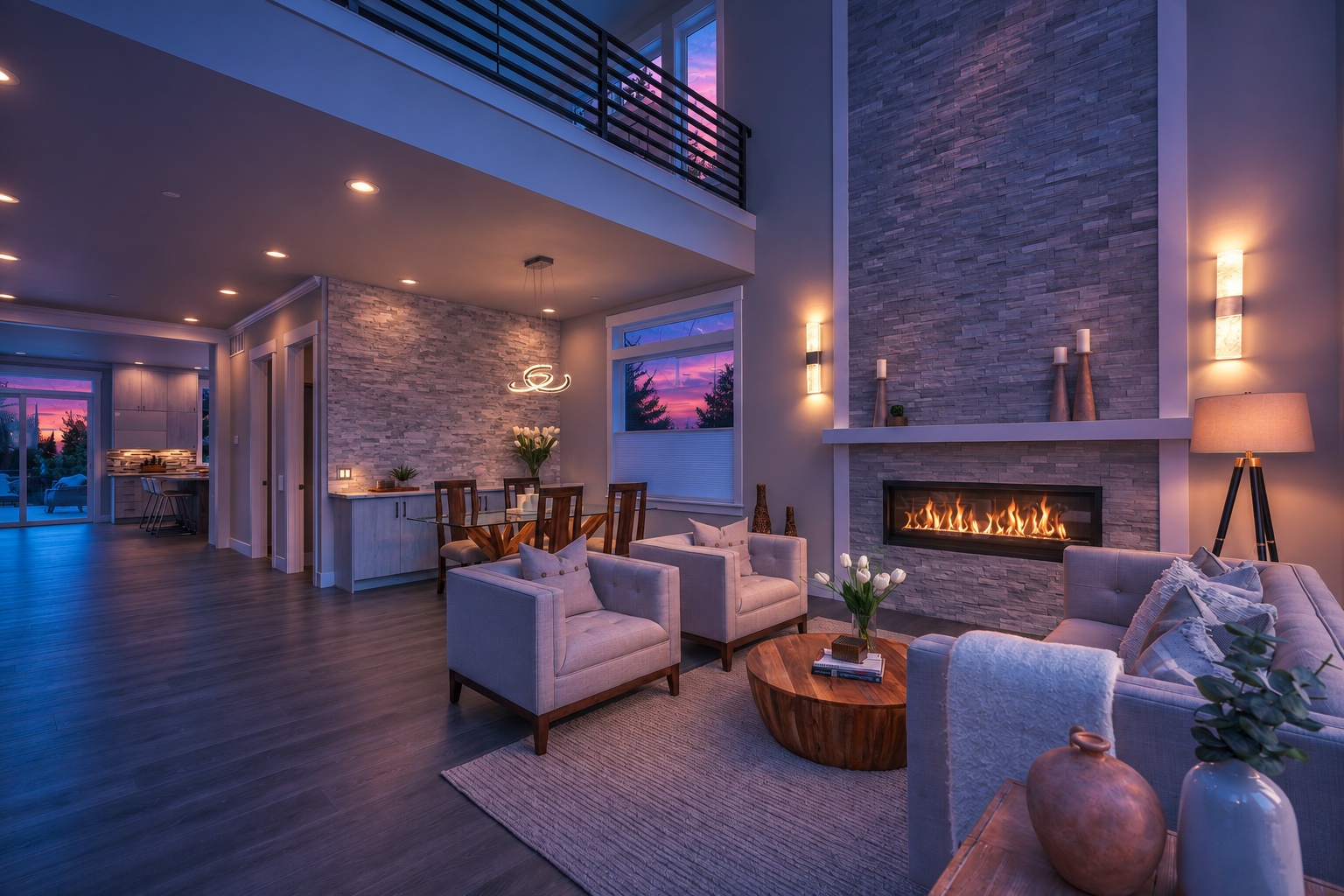
Bring your phone or camera and stay in the moment. Clean up a room, refine a portrait, or shape the light. Build your editing sequence, apply it to selected photos, and keep your originals alongside every saved AI edit.
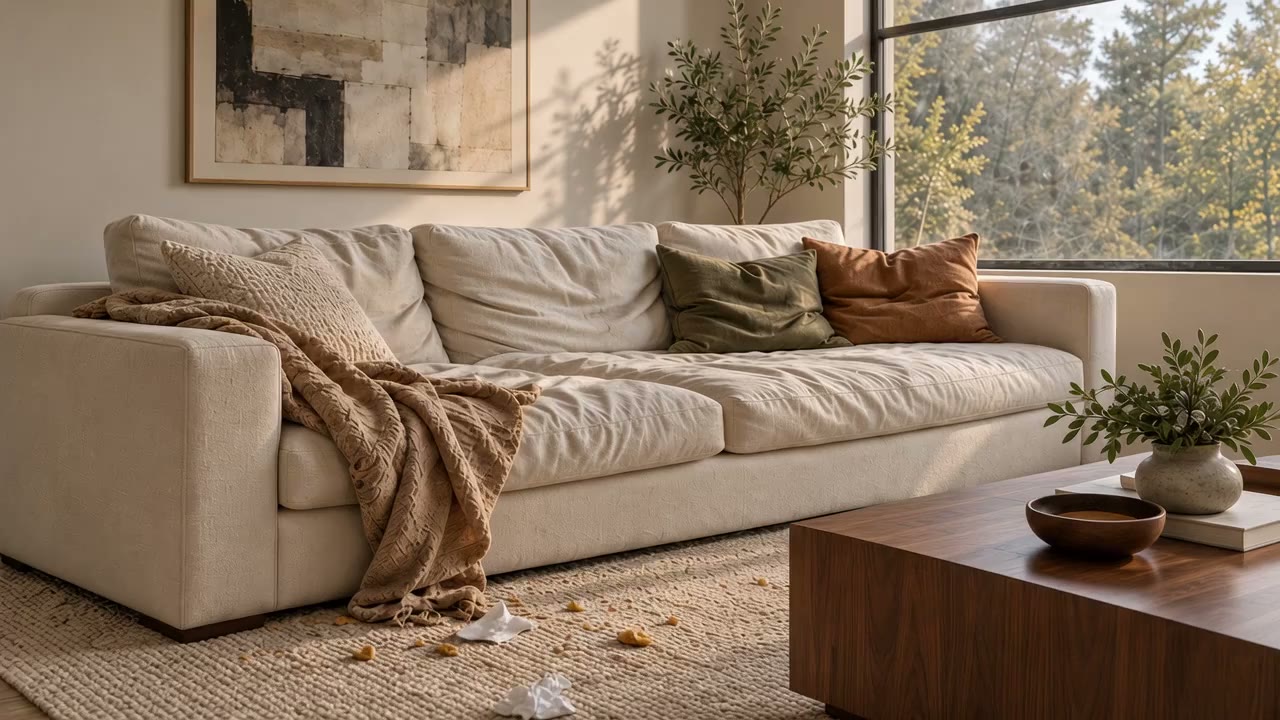
Fluff the pillows. Straighten the throw. Clean up the everyday mess. Keep the room that makes it home.
BEFOREAFTER · TIDY ROOM
AI-created illustration of the intended cleanup. Not an output from the live Studio. Preserve instructions apply to furniture, art, people, and permanent structures; review each result.
YOUR PHOTO. A NEW POSSIBILITY.
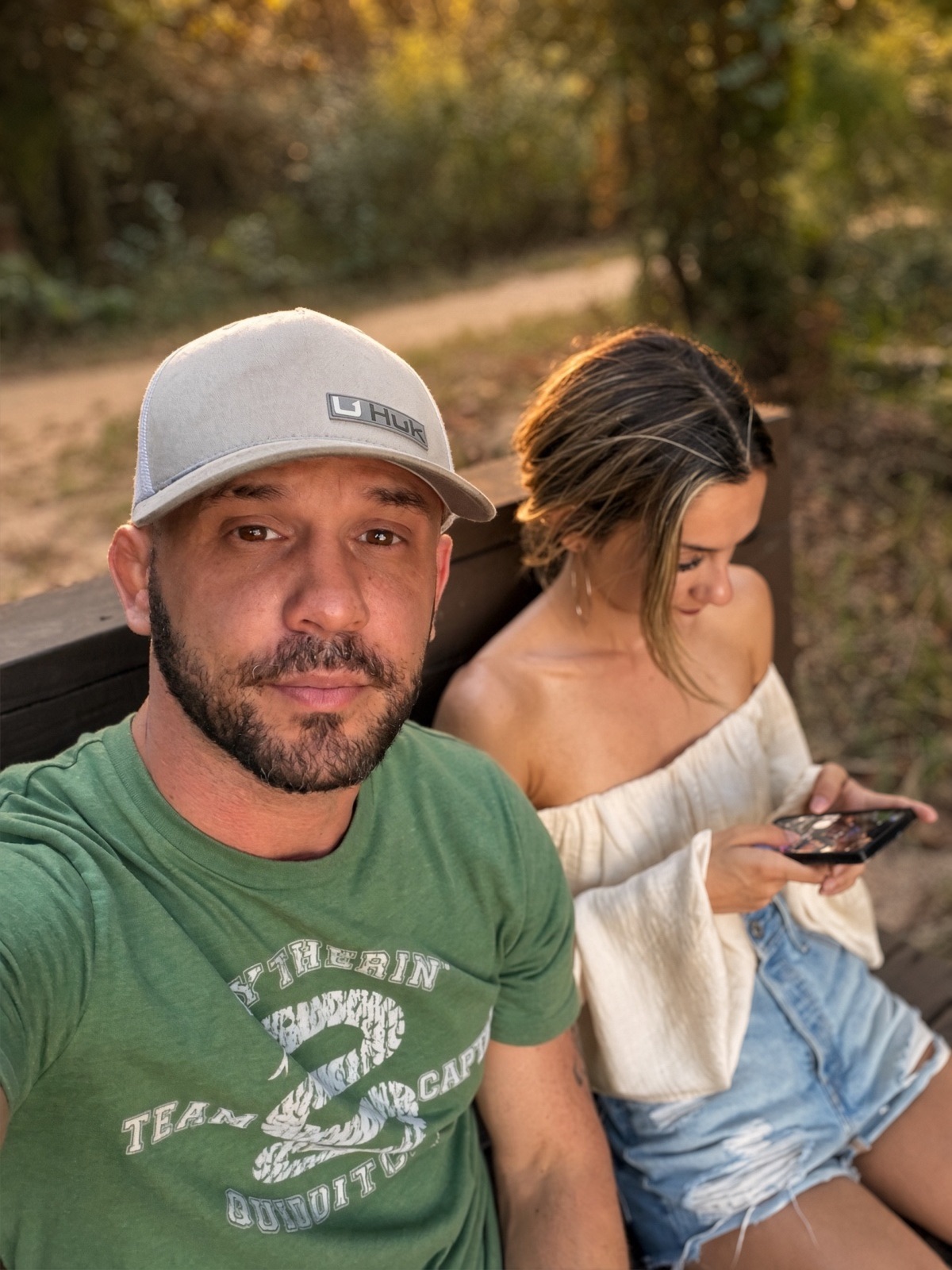
A selfie is just the beginning.
Turn an arm’s-length moment into a portrait worth keeping.
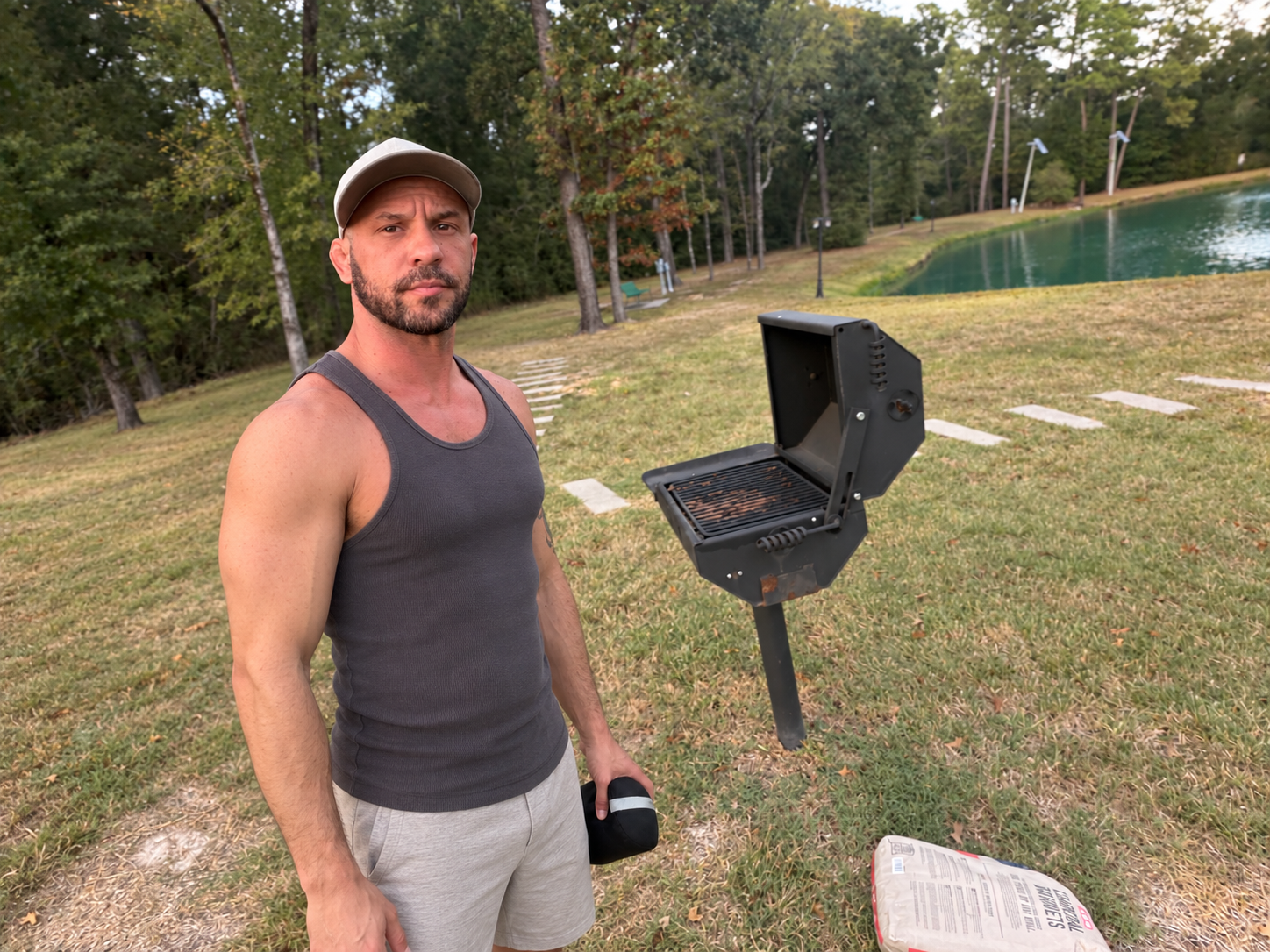
01 / THE ORIGINALIt starts with your selfie.
More room. More you.
Pull back the frame. Relax the pose. Tell the Studio what you want changed, and shape the next version of your photo.
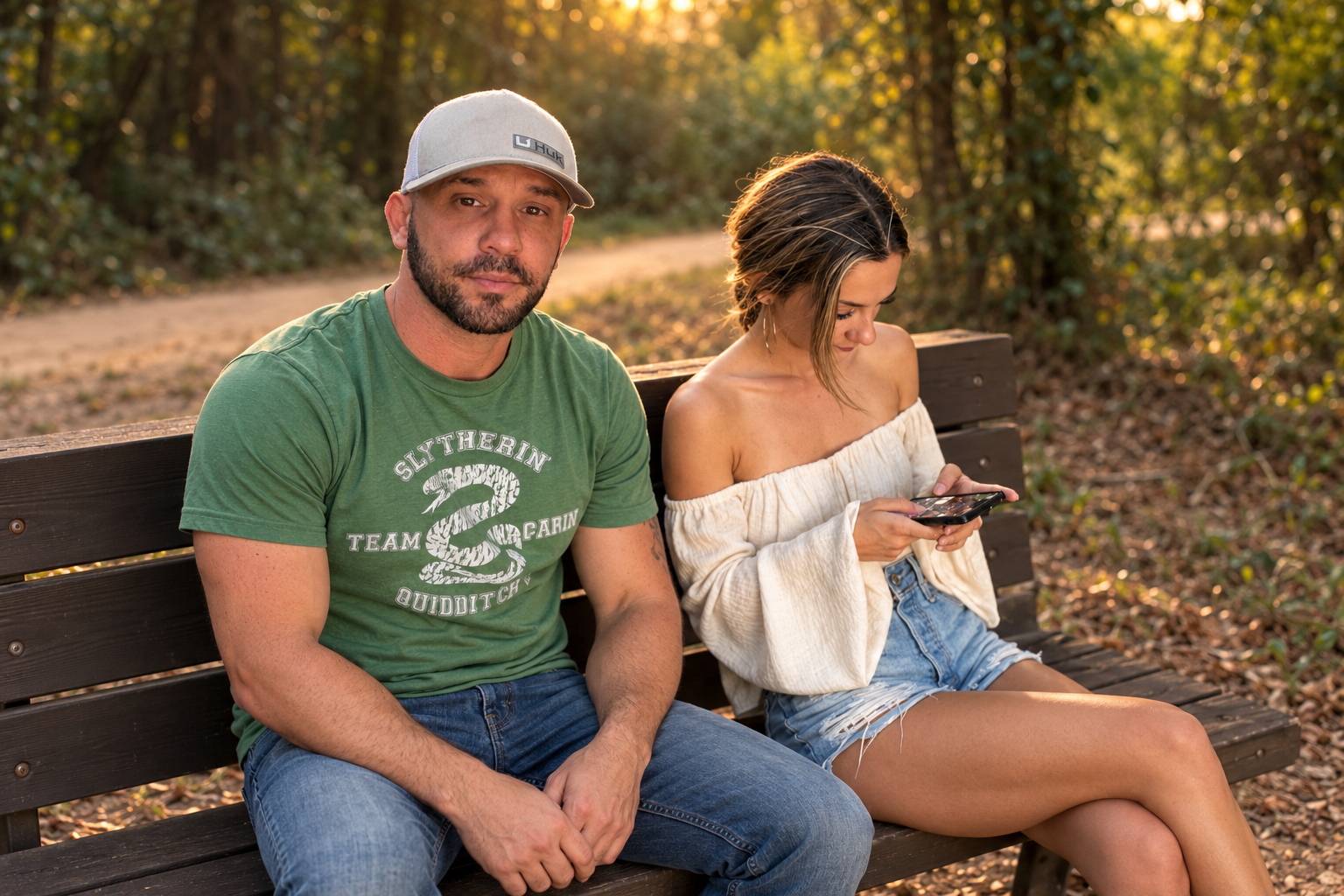
02 / THE POSED EDITA little direction. A different kind of portrait.
02 / TWO WAYS TO REFRAME
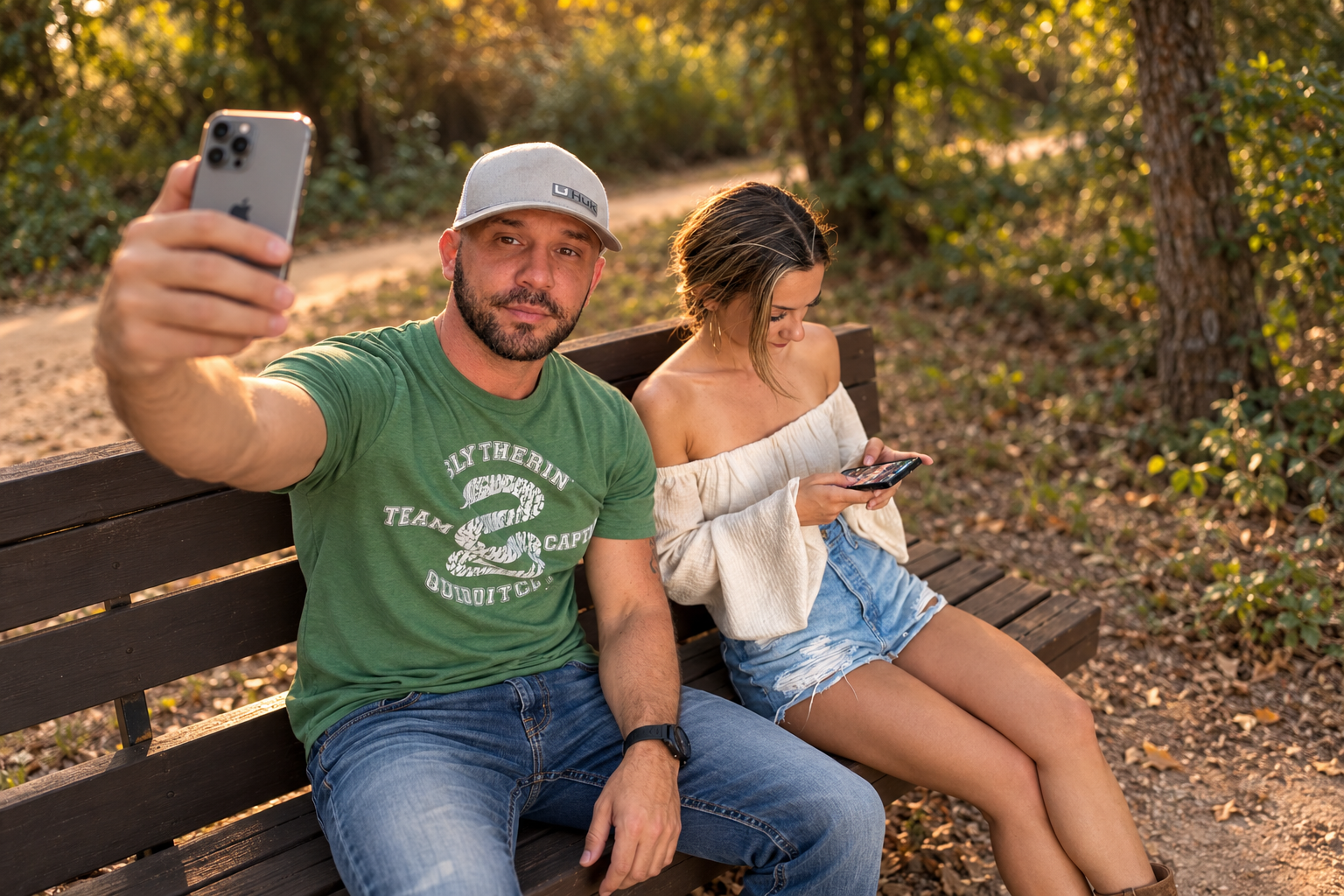
Keep the selfie. Or change the pose.
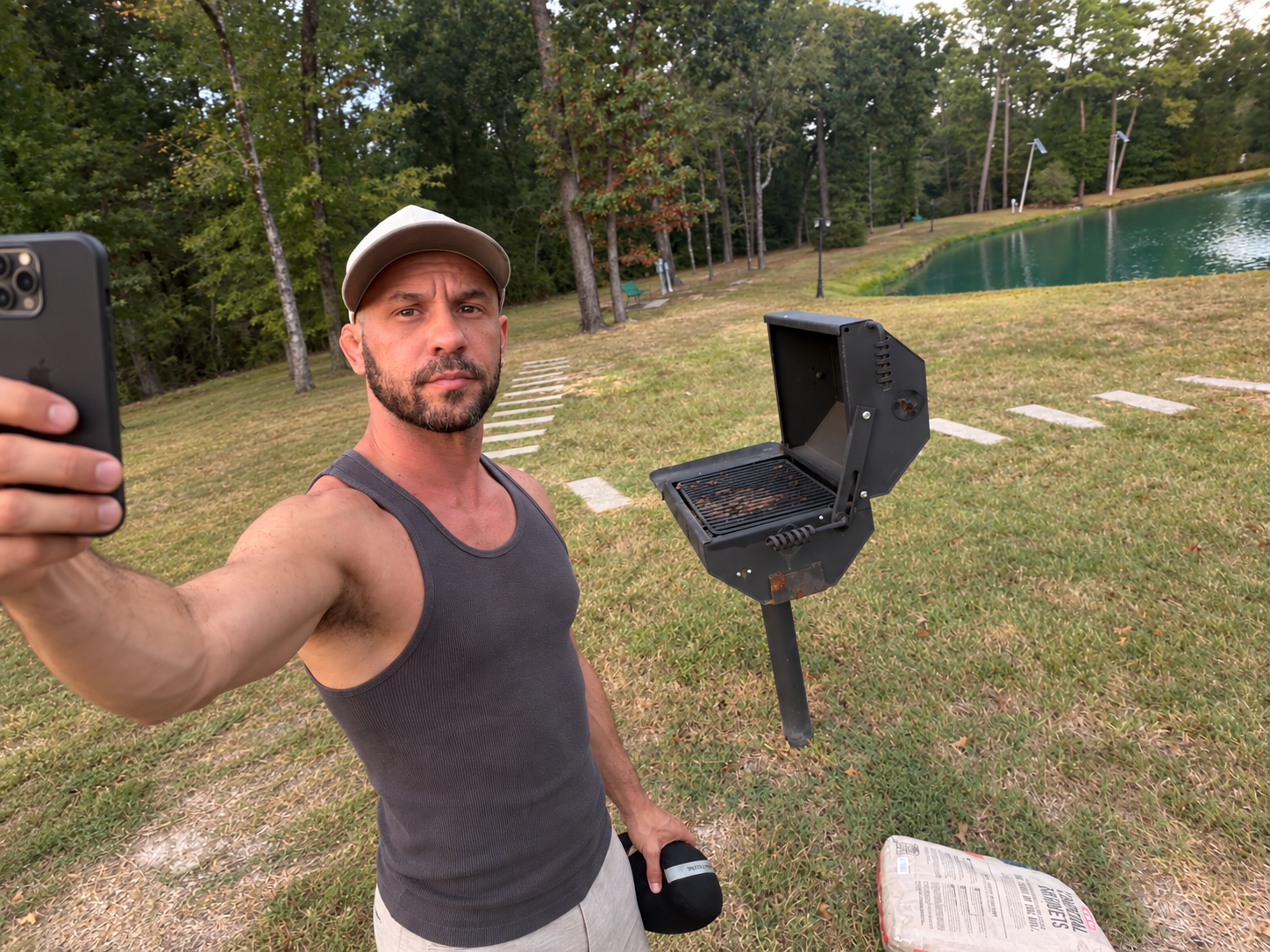
Compare each original with two directions: a relaxed camera arm, or an expanded scene that reveals the iPhone.
A shared moment.
ORIGINALThe starting photo.REPOSEA relaxed, natural pose.EXPAND · KEEP THE SELFIEThe phone. The whole scene.
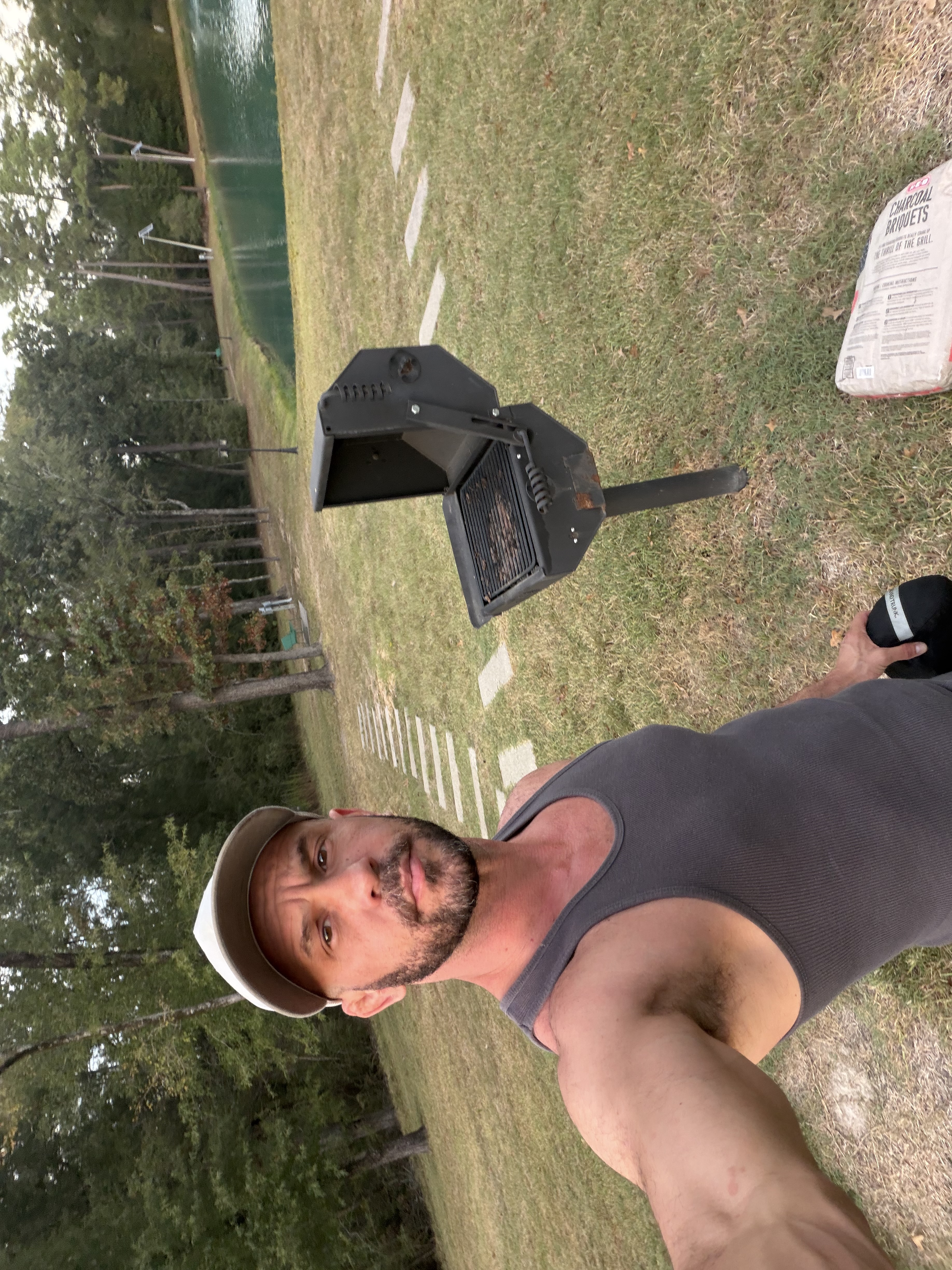
Out by the water.
ORIGINALThe starting photo.REPOSEA relaxed, natural pose.EXPAND · KEEP THE SELFIEThe phone. The whole scene.
Your supplied originals with illustrative AI edits created for this gallery, not outputs from the live Studio. Expansion invents unseen content and can change details; review results.
FramingExpansionPortrait blurSubtle vignette
03 / FIND YOUR LIGHT
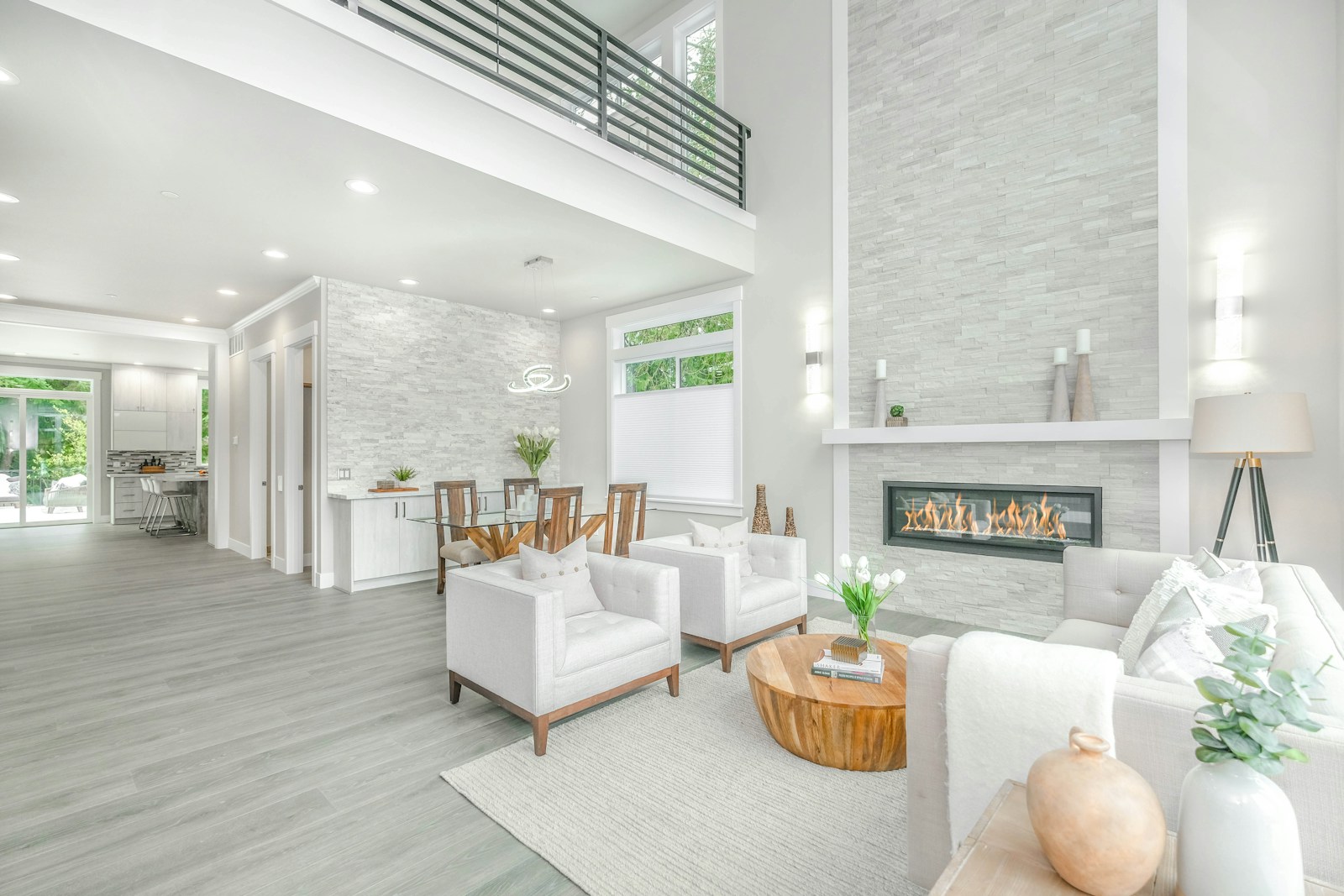
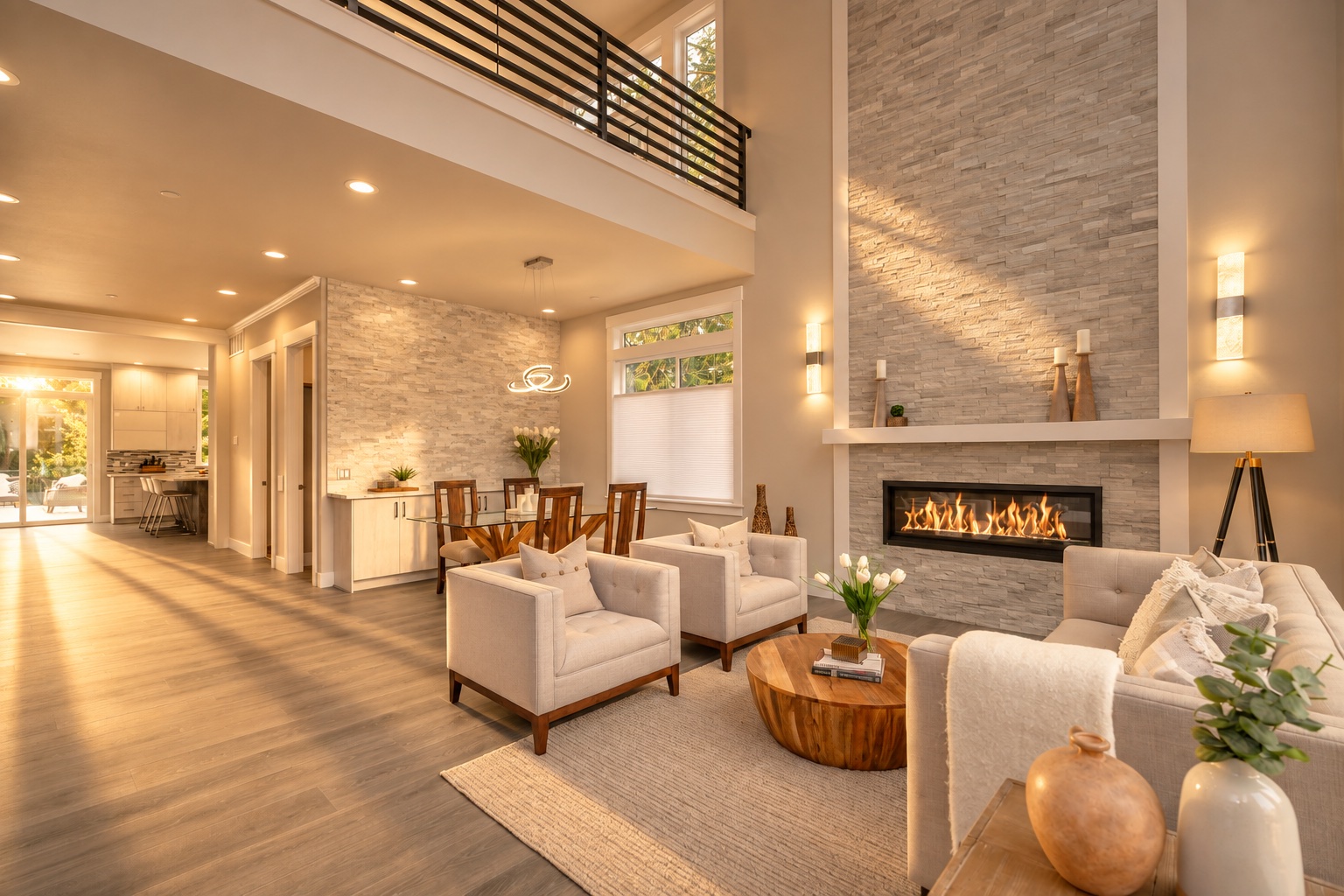
One room. Three ways to feel it.
From clean daylight to warm evening and cinematic twilight.
OriginalGolden HourPurple Hour
Illustrative AI-edited demonstrations of the same source photo; not live Studio outputs. Explore all six looks below.
Explore everything in your editing station +
Your directions.
Add context such as “straighten the pillows” or “sharpen the coconut cup.” Enhance Detail improves clarity and natural skin texture. Scene Cleanup targets litter, untidy yards, and utility wires.
Your originals. Every version.
Keep uploaded originals and received AI edits in your private account library. Compare, return to an earlier edit, or make a new variation. Local touch-ups stay on your device until downloaded.
One photo or the whole set.
Check multiple photos, approve in bulk, and export approved results or originals plus all saved edits. Build and save sequences of up to eight ordered steps.
STACK YOUR EDITS. THEN RUN THE WHOLE SET.
One photo. Three edits. Now do the whole shoot.
Choose your prompts and put them in order. Each step edits the result of the previous step. Run that same sequence on one photo, selected photos, or your entire collection.
START / ORIGINALStart with the photo you have.
One room. Three steps. A 7.5-second illustration · 2× playback.
Your order. Every selected photo.
10 photos × 3 steps = 30 prompt applications. Each photo moves through Tidy Room, Enhance Detail, and Golden Hour in your chosen order. Originals and saved AI versions stay in your library.
One prompt on one photo is one application. Each step in a sequence, new preview, or rerun is another paid attempt. Local touch-ups are free.
Paid beta estimates use $0.18 per application; actual charges are 2× confirmed provider cost. A $0.50 temporary credit hold applies per attempt, with unused held credit returned after cost confirmation. Credits roll over and are non-refundable except where required by law. Sign in and accept the terms to purchase through Stripe. See full pricing details →
PORTRAITS. AUTOMOTIVE. EVERYDAY MOMENTS.
Your shot. Any mood you imagine.
Original look
Styled look
Original look · Portrait
Golden Hour
Original look · Automotive
Purple Hour
Original look · Everyday
Late Golden Hour
AI-generated concept pairs illustrating different subjects and styles. These are not customer photographs or verified live-processing results.
EXPLORE THE LOOKS. FIND YOUR SIGNATURE.
See what a little direction can do.
Start with the original. Switch between our default looks on the same house photograph, and drag to compare. Pick a feeling before you commit to a whole collection.
Illustrative AI-edited demonstrations of the same house photograph, not outputs from the live studio. “Raw” means the unedited source JPEG, not a camera RAW file. Results vary; always review details.
THE SHOT COMES FIRST
Your moment. Three ways to feel it.
Bring the photos you actually take. A day on the water, a portrait, a whole adventure. Switch between the original and your supplied Golden Hour and Purple Hour edits.
Golden Hour · supplied edited photograph
YOUR EYE. YOUR INSTRUCTIONS.
Don’t fit your photos into someone else’s style.
Direct the light. Define the color. Describe the effect. Save your custom prompt and reuse it across portraits, events, products, and your next shoot.
Choose a signature preset in one click
Write and edit your own custom prompts
Add specific instructions to any edit or correction
Arrange saved prompts into your own editing sequence
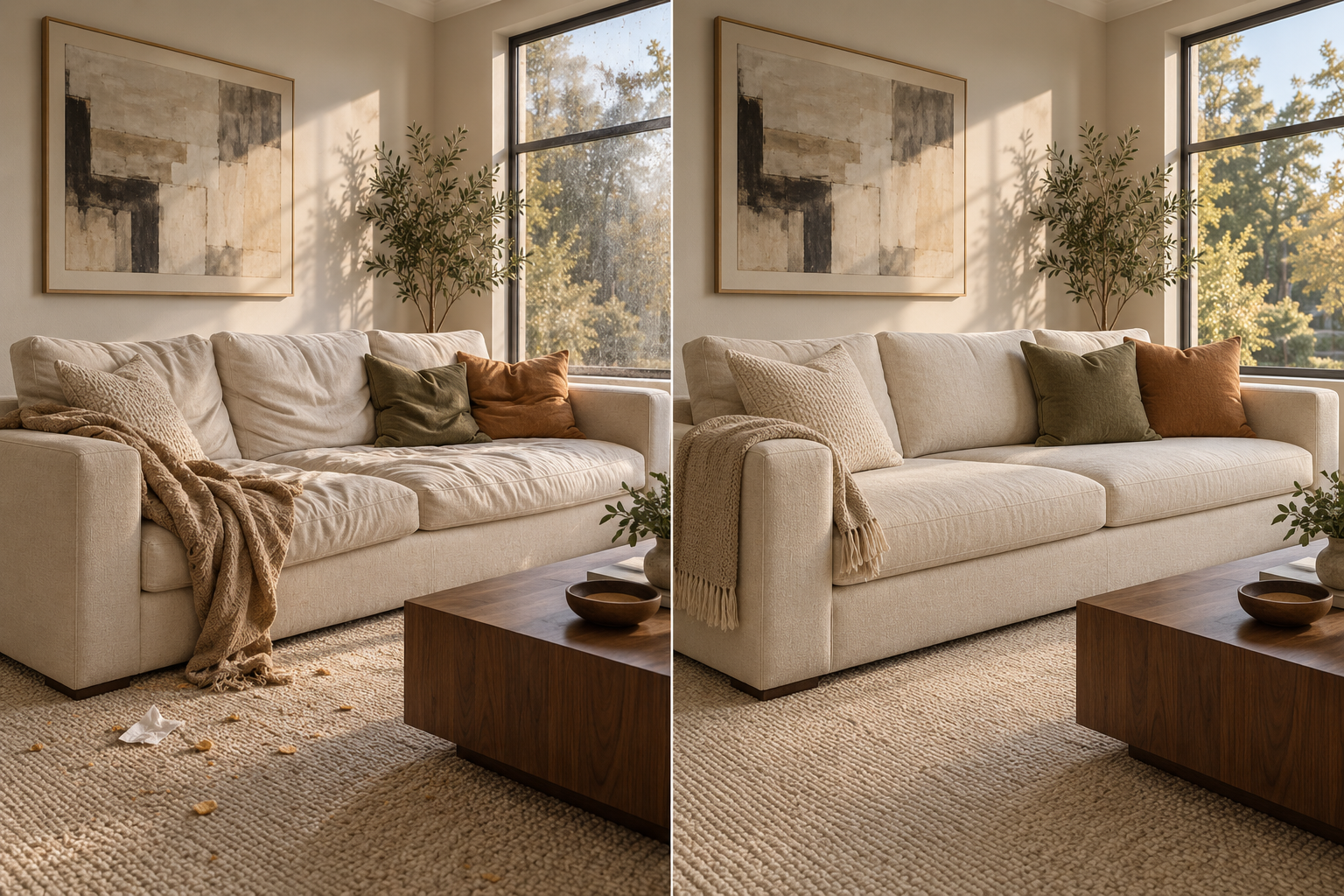 BEFOREAFTER · TIDY ROOM